RE: Instagram for Android. Little Photo? No. On UX.

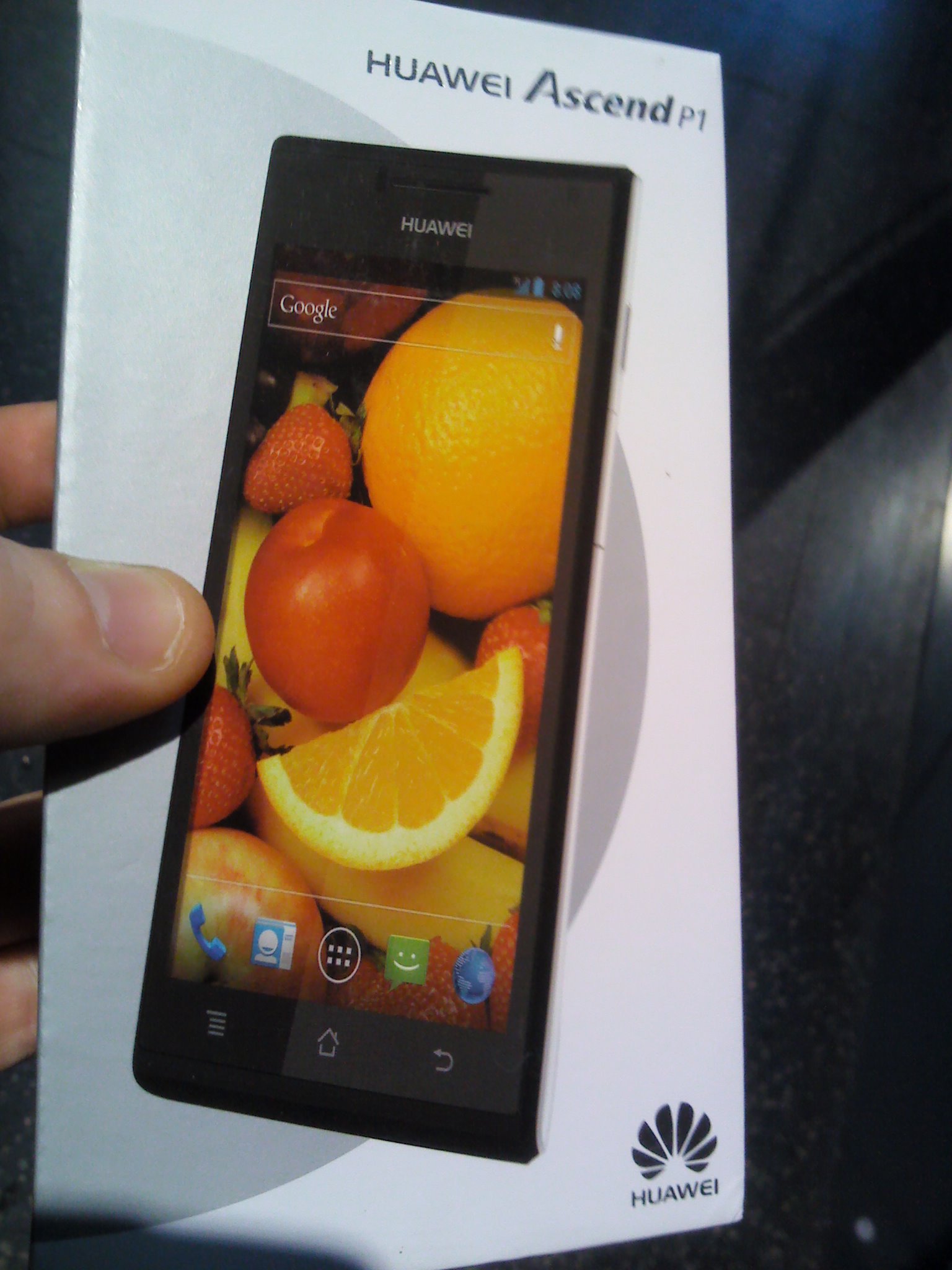
Huawei Ascend P1

Huawei Ascend P1

I tend to test chinese smart phones as a hobby. Back in the days I was testing the ZTE Blade, a phone running on Android. Money well spend? Well, yes and no.

The phone did things. But he was quite frustrating as well: its inability to install those apps you truly wanted. Right, seems there’s no such thing as a default Android OS.

As there wasn’t an Instagram for Android at that time I decided to install “little photo”. I even wrote an article about it, stating that Little Photo was a valid alternative to instagram for Android-users waiting for Instagram to run on their OS.

I couldn’t have been more wrong. To start with, it was wrong to compare both “apps” as they are in fact not to be compared. But if we ignore the above, here’s why Instagram is great.

Huawei Ascend P1

In my struggle testing chinese smart phones I’m currently dealing with the Huawei Ascend P1. It’s not really a struggle this time. It’s a fast machine (it beats my friend’s iPhone5 in browser start-up etcetera), running every app I tried so far. And it also runs Instagram. So now that I’m on Instragram for Android, I realize Little Photo is -sorry- crap. What is it then that makes Instagram a “waw” and little photo a “boo”?

Instagram: it’s all about the User Experience. UX.

UX – user experience – is all about how a person feels about using a product, system or service. User experience reflects on the experiential, affective, meaningful and valuable aspects of human-computer interaction. As a result, one could state that user experience is in fact subjective in nature because it’s about an individual’s feelings and thoughts about a technology.

Next to that, UX is dynamic, in a way that it may change over time.

Finally, user experience and usability are closely linked but are not the same. In my view, usability does not define the overall user experience but it has a powerful contribution to that overall experience.

Today I have to say: it’s a pleasure to work with Instragram while it’s frustrating to handle apps like “little photo”. The experience is just great. And it’s very easy to use.

Little Photo failed on UX & Usability

And that was the entire issue with “Little Photo”. In the end, you could get nice results. But until you got there… you probably cursed numerous times at your phone. The user experience was crap. And deploying the filters onto photos wasn’t very “userfriendly”. The product failed on UX and Usability. It results in not using the product any more.

Guess it’s time to take UX seriously

User Experience, UX and Usability matter. No doubt. Or do you have a different view?
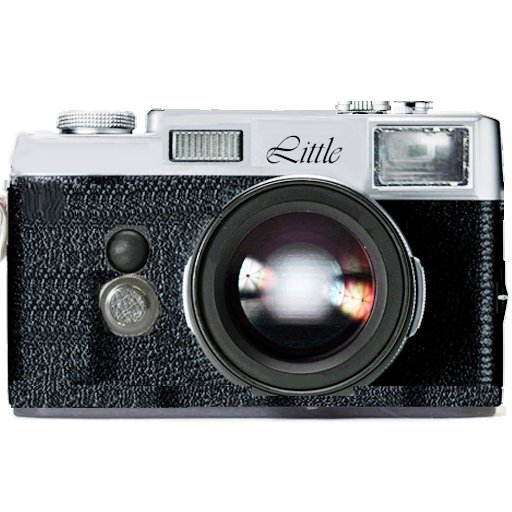
Instagram for Android: Little Photo.

Little Photo - Instagram for Android

Little Photo - Instagram for Android

You probably dropped across beautiful instagram pictures by now. Instagram is an app (or a way) to share your life with friends through pictures. The idea is fairly simple: snap a pic with your iPhone, apply a filter to transform the look&feel and share it to your social network.

I have to say, Instagram instantly turns people into wonderful photographers. As I’ve always dreamed of being a good photographer myself, I believed the tools to turn into a photographer were finally within my reach.
All I need to do is getting the Instagram app, right?

Wrong! Unfortunately I use an Android device and Instagram is an iOS application. So I’m unable to use Instagram without getting a stylish (over-priced) iPhone. It turns out however that I’m not the only Android user who wants to use Instagram – as Google search suggestions demonstrate.

Instagram is iPhone only

Instagram search suggestions - Instagram Android.

Instagram search suggestions - Instagram Android.

As mentioned before, you need an iPhone to run Instagram. The photographic talent amongst Android users remain untapped. And regardless of the rumours about Instagram coming to Android I believe and notice that people are looking for alternatives. The best alternative I encountered so far is the free app Little Photo.

Little Photo: Instagram Android

I’ve experimented with a lot of Android photography apps up until today. But I really like Little Photo. Here’s why.

When accessing the app, you can take a picture with your camera or start from an existing image. Once you’ve done that, just touch the pic to experiment with filters and effects. The application has a bunch of filters and effects and you can go easily through all filters and effects and see how it transforms your image and consequently decide whether you want to apply it or not. The app supports multiple filters applied to the same image.

Next to the brilliant filters, it’s possible to save your image without overwriting the original file. Little Photo automatically creates a separate directory on SD card.

Finally, the app allows to easily share to different social networks. And as far as I know, it doesn’t create an additional social network as is the fact with Instagram. This sounds like a plus to me as I don’t want to engage on yet another social platform.

Little Photo example

Little Photo - White Shine

Little Photo

The above Little Photo example started from an existing photo that I did not take myself. I received this image from @JuliaPentcheva. It depicts a scenic winter landscape near the small mountain village of Momchilovtsi in Bulgaria. As the village is known for its “magic” I tried to “LittlePhoto-ize” that magic into it. Below is the original picture.

Original image

Original image

What after the Instragram Android release?

I wonder when Instagram becomes available for Android devices. Does somebody knows the ETA?
The question however is whether I will feel like making the switch after falling in love with Little Photo before…

The power of ecosystems? On Google+

Google Plus

Google Plus

Do you still remember the day Google launched Google+? This much awaited and highly anticipated social networking platform was launched about a half a year ago. “Social media gurus” immediately announced the death of Facebook. At that point, I was convinced those people understood the phenomenon wrong. So to put things in perspective, I wrote a blog post called “Why Facebook wins the Social Network Battle. On Flirting, Sex, Porn and Mr Rogers.” As from last week, I believe we entered a new stage in this debate. After all, Google plans to implement an updated version of its search algorithms that will change how the web works. This time it was up to the “SEO gurus” to have their say on Google+.

I don’t know what type of guru I am – I believe none at all – but it felt like time for my take on Google Plus. And let’s start with the hottest topic these days: SEO and Google+.

Google’s announcement on G+ integration

Regardless of the fact that Google Plus looked like “a Facebook” at launch, Google always insisted that it concerned a “project of bigger scale”. How big that scale is became clear with the announcement made by Google at the beginning of January 2012.

Simply stated: Google plans to integrate information from Google Plus to personalize search results. For SEO gurus it was a signal to jump into action. Suddenly SEO drastically changed: it’s no longer about how to get sites ranked high in search results but about having content on Google Plus. This not rarely resulted in advice similar to “you need to be on Google Plus.” As a result, brand pages flourished like mushrooms.

Of course, I cannot have anything against enterprises and brands being on Plus, but I can object the proposed tactic by the gurus. I believe the “New SEO” is more about getting real people post information about a business or brand on Google+. That’s something completely different from merely broadcasting marketing messages through a brand page, no?

However, there’s more at stake than just the impact on search. As one observer cleverly noted: “Google has a lot of other products that contain personally relevant information. Google Docs has documents, Gmail has contacts and calendar entries, Google Music has playlist information, and so on.”

Google as an integrated online collaboration platform. Google+ as social layer.

Google as an integrated online collaboration platform. Google+ as social layer.

Google+: social layer on top of collaborative cloud ecosystem by Google

Have you ever looked at Google’s navigation bar in detail? You should. I believe it’s not a coincidence that Google Plus is integrated into this bar. Google Plus is a part of a wider ecosystem. That ecosystem is neatly designed through a navigation bar. It contains multiple collaborative cloud solutions, amongst:

Google's collaborative cloud solutions as an ecosystem

Google's collaborative cloud solutions as an ecosystem

  • Gmail
  • Docs
  • Translate
  • Calendar
  • Search

I have a feeling this ecosystem will pay off. Not in the way that it’ll outperform Facebook or whatever other social network but in an unprecedented position within the organizations of the future it might take.

The organization of the future: fluid networks of interconnected freelance workers

Based upon a study by SD Worx on “the Future of Work”, I’ve deducted 3 core principles about the organization of the future:

  • Organization based upon strength individuals
  • Individuals work autonomous
  • Collaboration between individual people is more than the sum of all individual co-workers

The above means that organizations will form themselves organically between engaged people who connect. This connection can occur online and offline. However, as the strength of the individual becomes key to an organization, they’ll look for the best individuals. During this search process they won’t take geographic borders into account. In order for those talented people to collaborate effectively in a remote manner, they need collaborative tools that are available 24/7. And what exactly is available 24/7? Right: the worldwide web.

There we are: the Google web tools listed above are a great solution for future organizations. A lot of people will work through the Google Docs platform, use Gmail, translate through Google Translate, etc. Added to that is a tool that allows you to easily message, share, video call,…: Google Plus.
What else do you need to effectively execute your job as a knowledge worker? Almost nothing?

Google Plus a social layer for the future enterprise, not a Facebook killer.

Do you see the power of ecosystems at work?
Do you know other products designed with an ecosystem in mind apart from Apple’s app store?